Guides and videos from your coach
Your coach may share extra PDFs or videos with you, such as a welcome guide, nutrition handout, or onboarding video.
Open the Resources tab for Guides & videos from your coach. Your coach may also send short how-to videos from the Assistant Coach team.
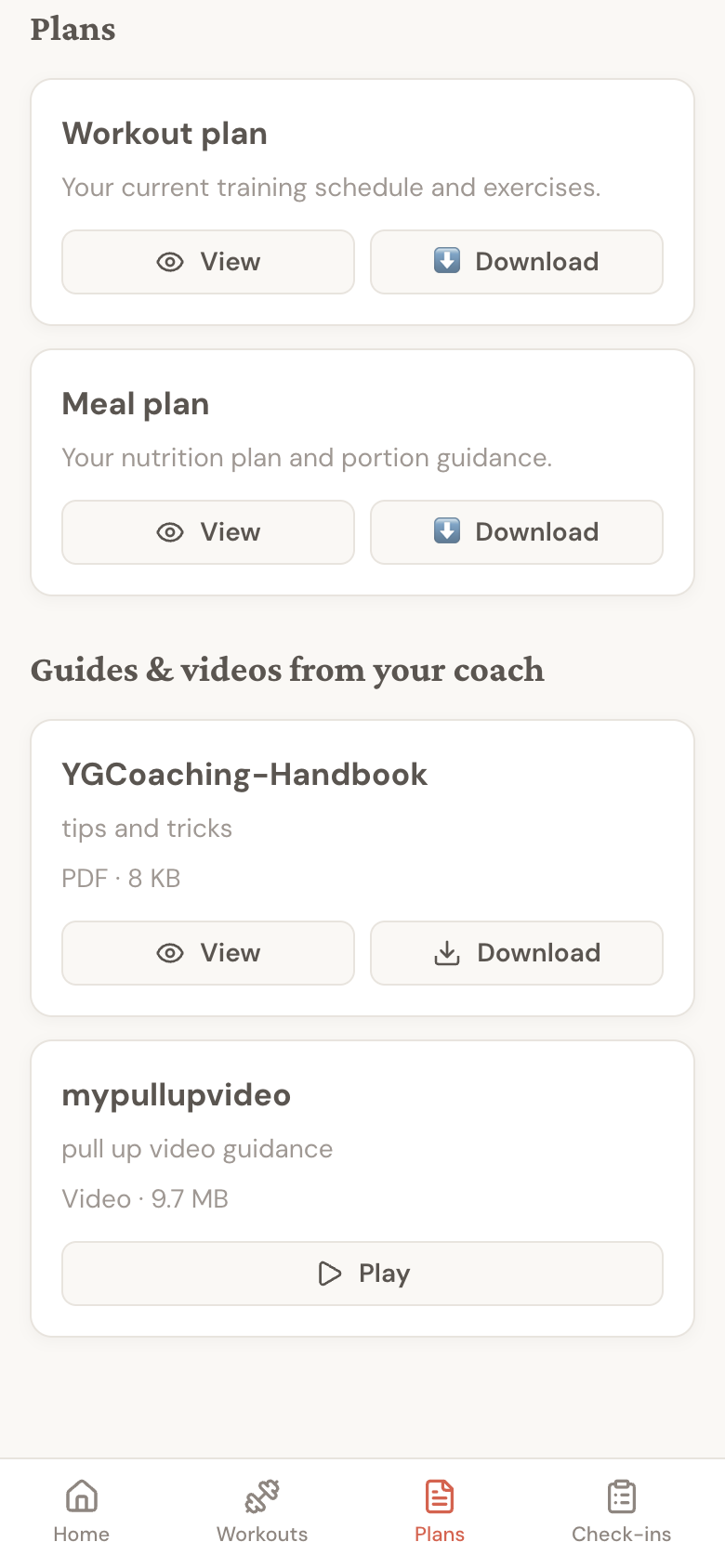
PDFs open inside Assistant Coach and can also be downloaded for later. Videos play inside the client app with normal video controls.
A green dot on Resources means there is something you have not opened yet. Each unopened item has a New label. Play the video, view the PDF, or download it to clear the label. Just visiting the tab leaves it marked New.
If the list is empty, your coach has not shared any extra resources yet.
Coaches manage these files from the coach dashboard. See Share guides and videos for the coach-side workflow.
Tips
- Use View when you just want to read a guide now.
- Use Download if you want to save a PDF for offline reference.
- Use Play to watch a video from your coach without leaving the client app.